Original source: GigamonTV
This video from GigamonTV covered a lot of ground. 3 segments stood out as worth your time. Everything below links directly to the timestamp in the original video.
Understanding how cloud traffic is managed and aggregated is crucial for anyone operating large-scale cloud infrastructure, as it directly impacts performance and cost.
Gigamon Cloud Suite Supports Multi-Region Azure Deployments with Traffic Aggregation
Gigamon Cloud Suite manages network traffic within Azure environments by routing it through V Series nodes for aggregation and Gigasmart operations. Once control and V Series nodes are deployed and an agent is installed on a workload, traffic is split and directed to these virtualized instances. This system supports deployment across multiple Azure subscriptions, tenants, and regions, providing flexibility for diverse cloud infrastructures.
While the suite is designed for distributed environments, moving traffic between different Azure regions incurs additional costs. Users are advised to consider these expenses when architecting their deployments to optimize traffic throughput and manage operational expenditures effectively. The platform remains adaptable, able to route aggregated traffic to any routable IP address that can ingest VXLAN traffic, whether on-premises or within the cloud.
Critical UDP Requirement for VXLAN Traffic in Gigamon Cloud Deployments
Deploying Gigamon's fabric manager requires specific inbound and outbound port configurations to ensure proper traffic management. Initial setup recommendations include establishing basic traffic rules, with subsequent adjustments to Network Security Groups (NSGs) made to constrain access to identified instance IP addresses after deployment. This phased approach helps secure the environment while maintaining operational flexibility.
A critical technical detail highlighted is the absolute necessity of using UDP for VXLAN traffic egress. Accidentally configuring TCP for tunnel egress will lead to complete traffic drops, preventing any data flows from reaching the intended tool set. This emphasizes the importance of precise protocol configuration for network engineers working with VXLAN-based cloud environments to avoid connectivity issues.
"It is so easy to accidentally choose TCP for your tunnel egress going to your tool set and then wondering why am I not seeing any traffic flows. The answer to that is because since VXLAN traffic is a UDP protocol, it just doesn't know what to do with it and it'll actually just drop all the traffic."
Gigamon Advises Careful Use of BYOL Images in Azure Marketplace to Avoid Pay-As-You-Go Charges
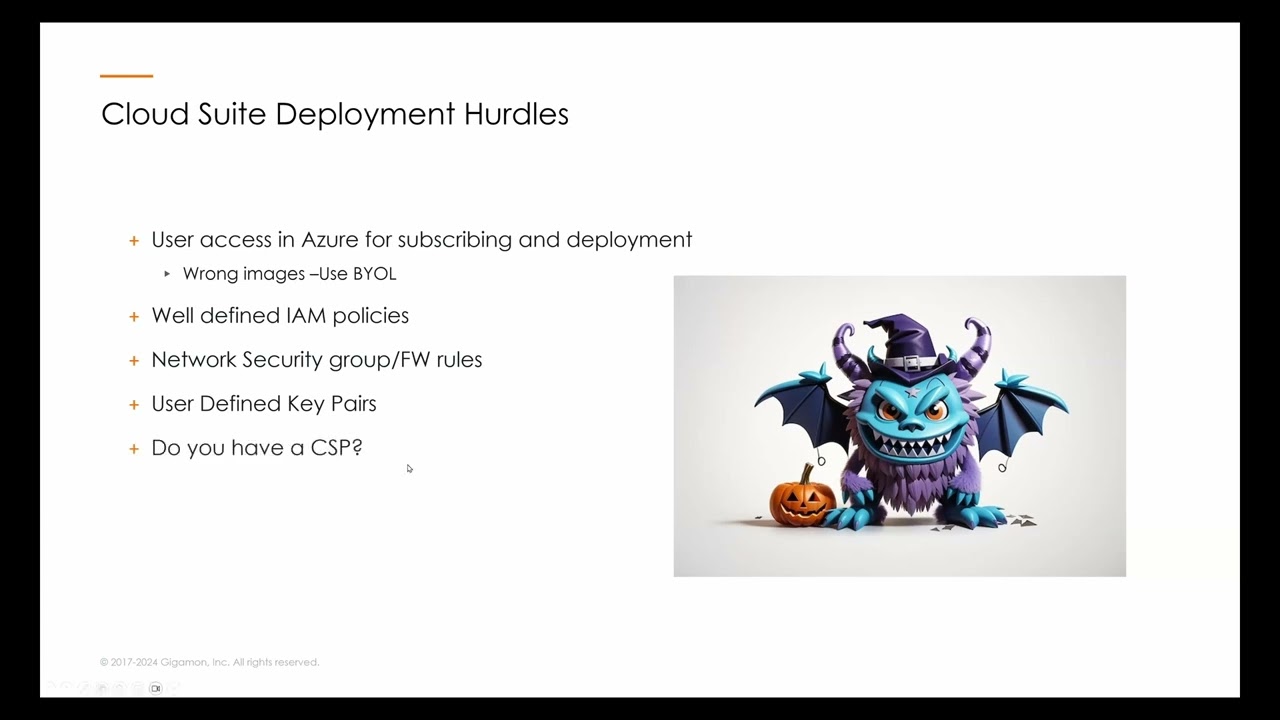
When deploying Gigamon Cloud Suite components from the Azure Marketplace, users must specifically select Bring Your Own License (BYOL) images. It is crucial to enable programmatic deployment for each image, including the fabric manager, V Series node, and control module. Users are warned that inadvertently installing a pay-as-you-go version of the software, which can appear intermixed with BYOL options, necessitates immediate contact with Gigamon support to reverse the charges through Microsoft.
This guidance underscores a significant financial consideration for enterprises leveraging cloud marketplaces for software deployment. Unintended pay-as-you-go subscriptions can lead to unexpected and potentially substantial costs, highlighting the need for careful selection and configuration during the initial setup phase. Proper adherence to licensing models is essential for managing cloud expenses effectively.
Also mentioned in this video
- Key hurdles in deploying GigaVUE Cloud Suite in Azure include subscribing in… (3:47)
- For access control in Azure, Gigamon recommends the Contributor built-in role… (9:36)
- A basic deployment topology involves a Gigamon Fabric Manager (FM) orchestrator… (10:56)
- To find and subscribe to the BYOL images for Gigamon Cloud Suite components,… (16:26)
- The deployment process for the Gigamon Fabric Manager involves selecting the… (19:06)
- After configuring the networking, tags, and reviewing the settings, the… (23:06)
- To activate a new license, the user downloads a JSON file from the Fabric… (26:25)
- To enable Fabric Manager to deploy other components, a service principal with a… (30:29)
- The deployment of the Gigamon Cloud Suite begins by creating a new monitoring… (34:57)
- Become available, allowing for more constrained network security group rules,… (41:51)
Summarised from GigamonTV · 46:17. All credit belongs to the original creators. Streamed.News summarises publicly available video content.